
Getting the parcel report as PDF
The parcel report is a PDF that gathers what the card holds: area, land settlement, Area classification and land use, with a location map and what to check before buying. The screenshots are from the iPhone app; the example is parcel 70, block 24009, Nablus. The report is available to registered accounts.
-
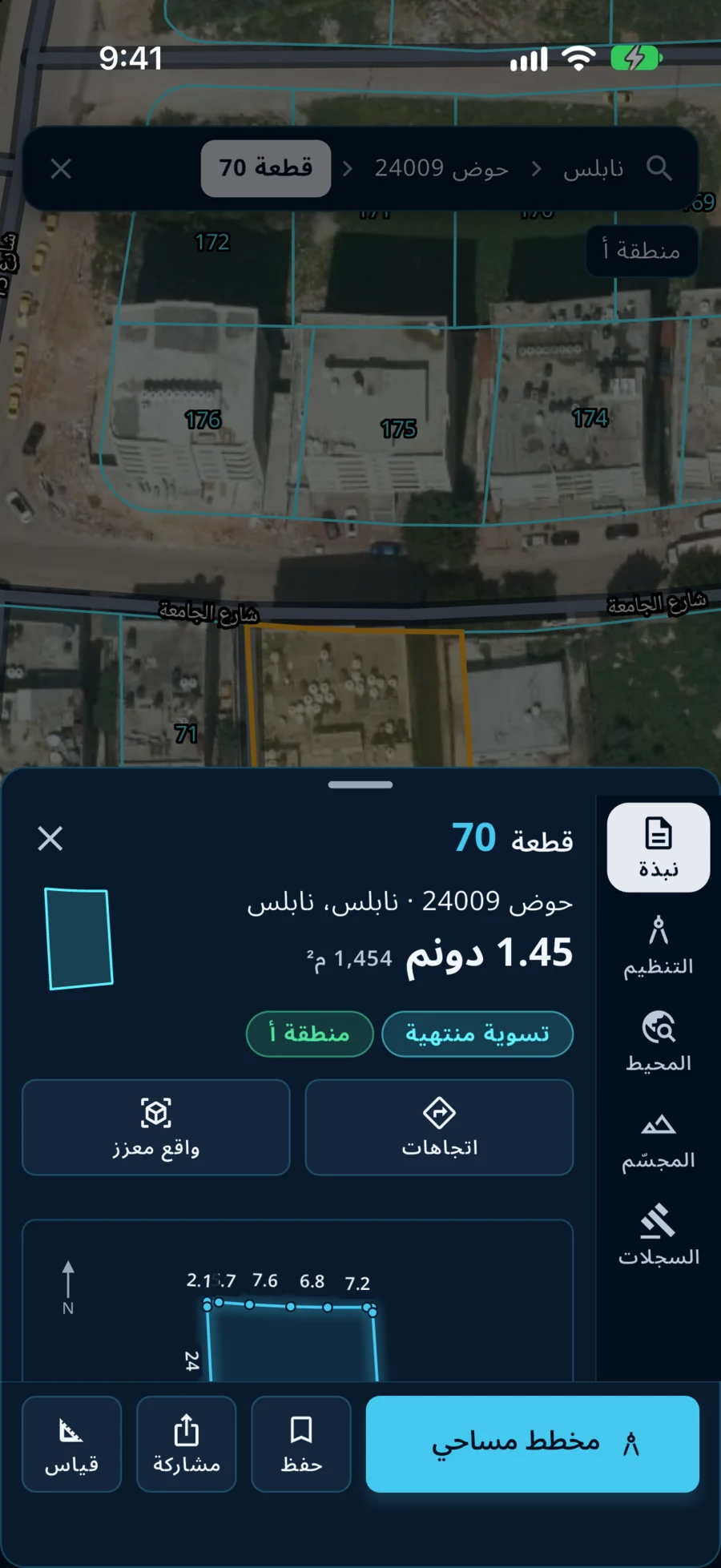
Press «مشاركة»
Open the parcel on the map, then press «مشاركة» (Share) in the row of buttons at the bottom of its card.
-
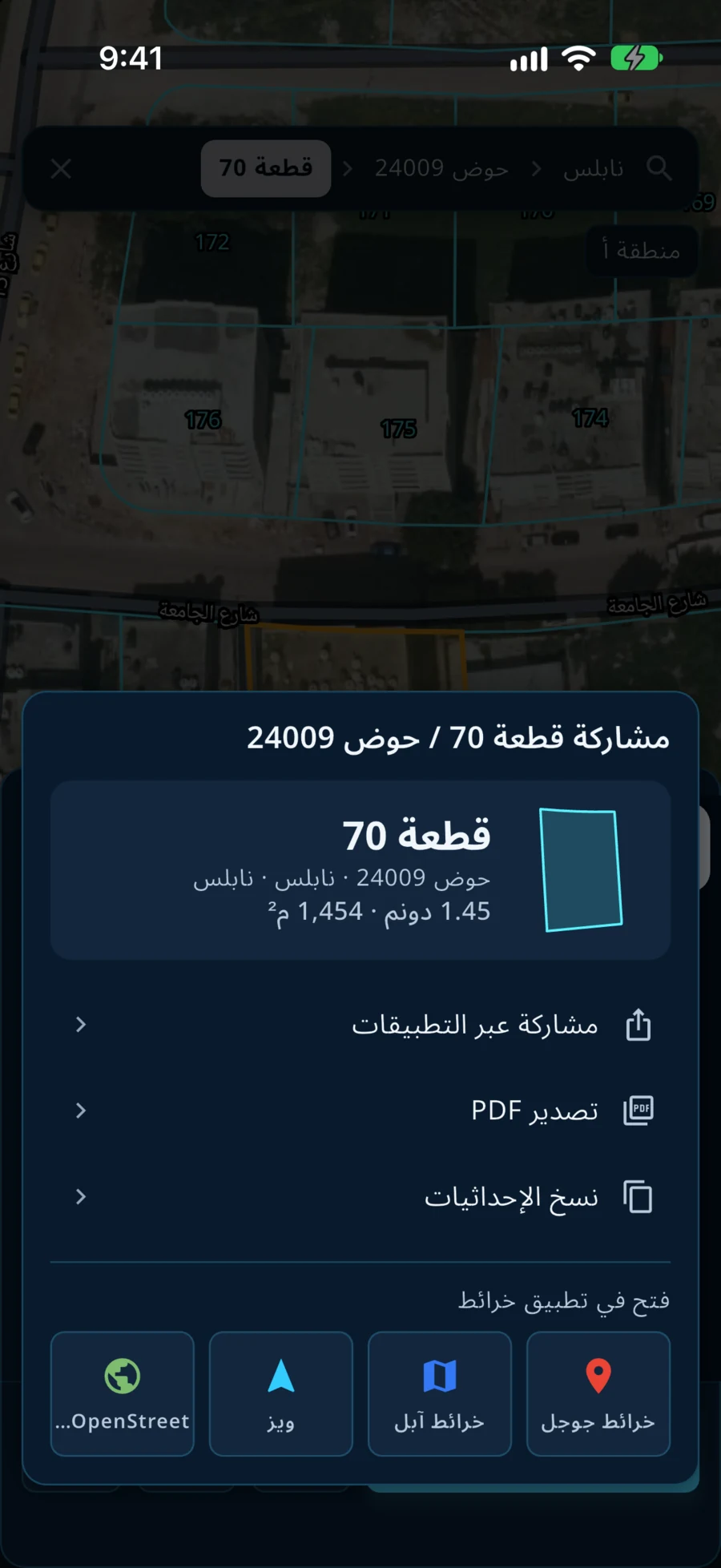
Choose «تصدير PDF»
The share window opens with: share through apps, «تصدير PDF» (Export PDF), copy the coordinates, and links to open the place in map apps. Press «تصدير PDF».
-
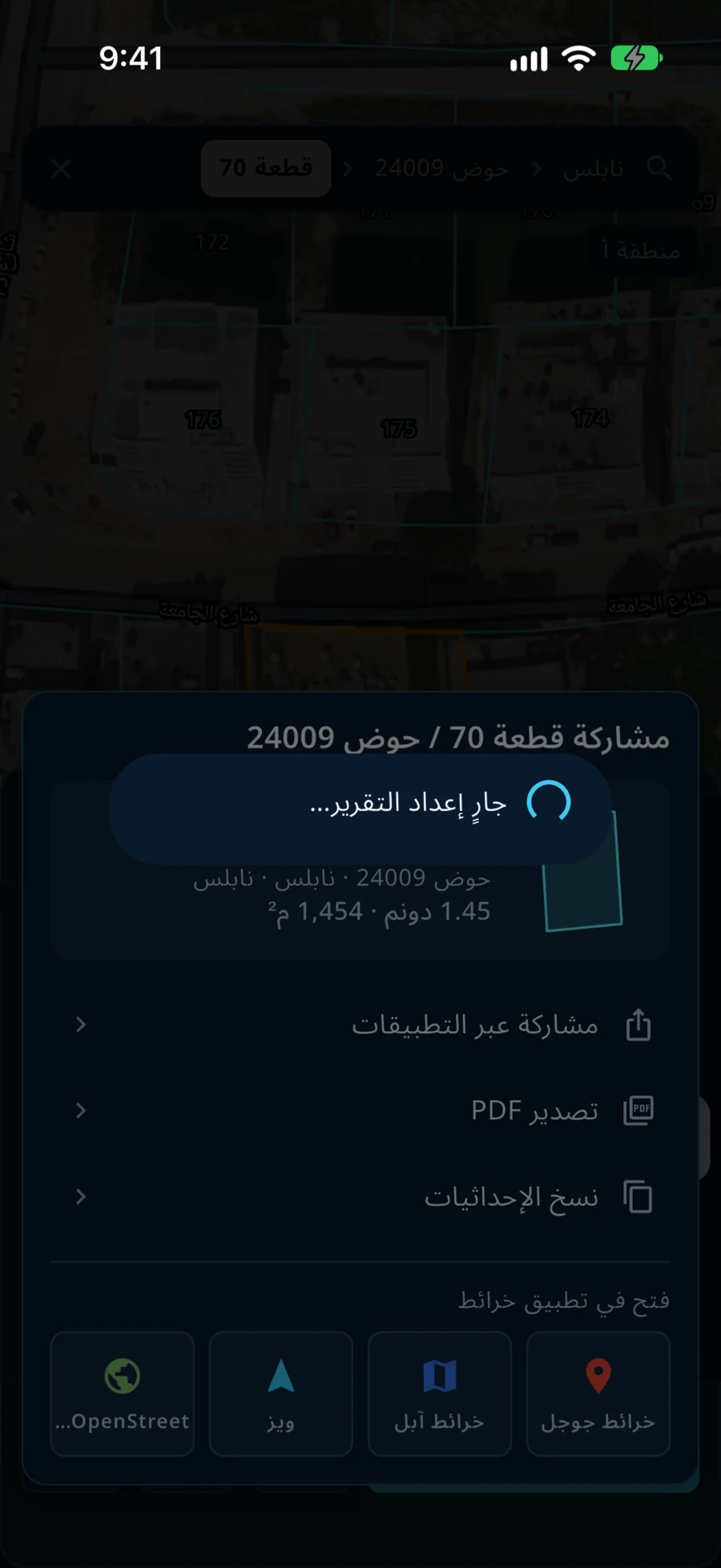
Wait for the report
The message «جارٍ إعداد التقرير…» (preparing the report) shows while the app gathers the parcel's data and draws its maps.
-
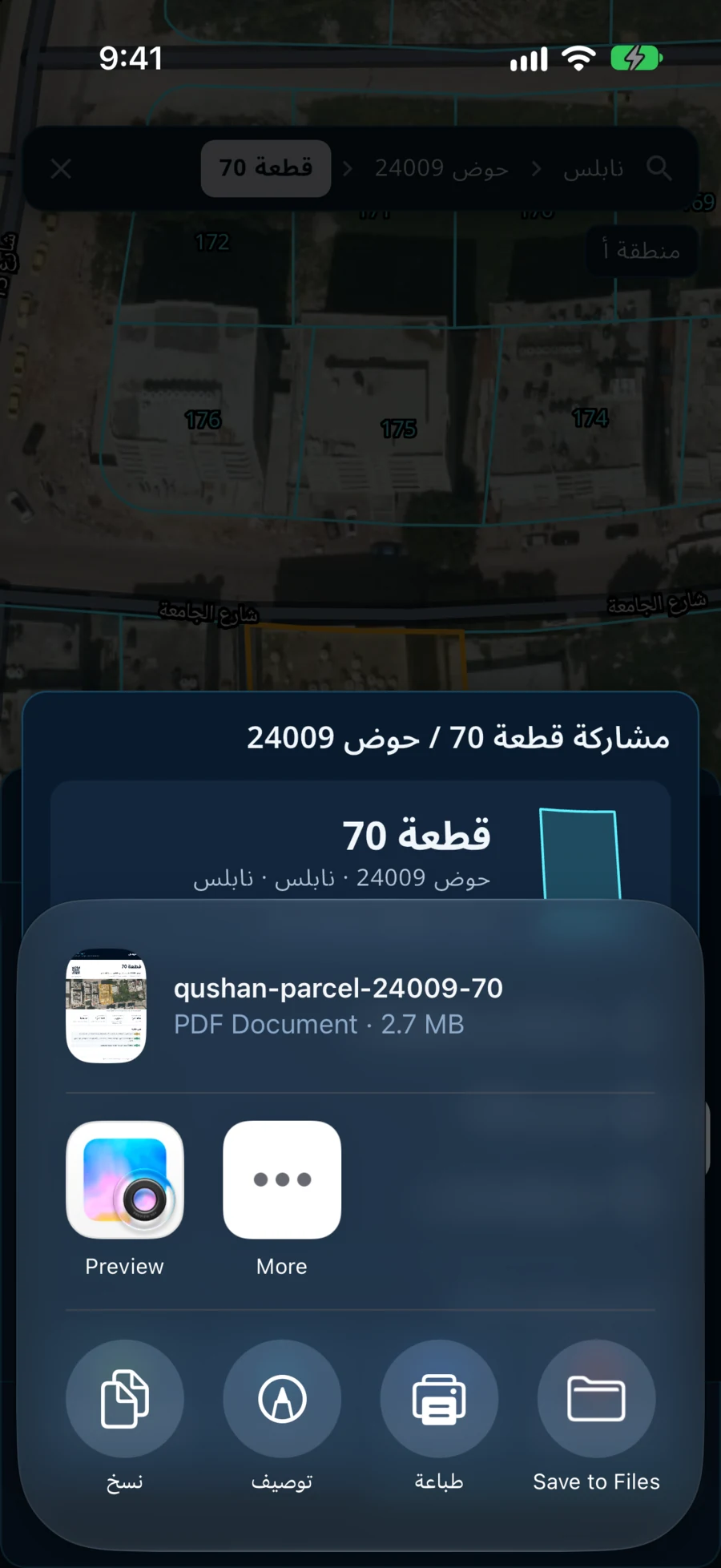
Save or send the report
The share window opens with a PDF file named after the parcel. From there you save it to Files, print it, or send it.
A sample of the report: download a sample report. What to check before buying is in the buying-land guide. The report shows published administrative and geometric data and is not a legal record of ownership. It is written in Arabic.
Qushan — the parcel data shown is administrative and geometric, and is not a legal record of ownership.